Admin Access
Restricted access — authorized personnel only.
This panel is not linked from the public website.
Restricted access — authorized personnel only.
This panel is not linked from the public website.
Control visitor access to the main website
The main website is currently live and accessible to all visitors. Enable maintenance mode to redirect visitors to the maintenance page.
Click the button above. Visitors going to index.php or es.php will be automatically redirected to the maintenance page.
Make your changes to the site files. You can still access any page directly by typing its URL. The maintenance page will not intercept admin.html.
Come back to this panel and click "Disable Maintenance Mode". The main site will be fully accessible again for all visitors.
On your live server, maintenance mode is saved server-side via api/maintenance.php and affects all visitors instantly. When running locally (file://), the toggle falls back to browser storage and only affects your own browser.
Signed in as —.
Messages from the contact form will be sent to these addresses. Separate multiple emails with a comma.
Current: Loading...
The server sends email via PHP mail(). Make sure the address belongs to your hosting domain to avoid spam filters.
Configure SMTP so emails are actually delivered. Recommended: use a Gmail account with an App Password.
Gmail setup: Go to myaccount.google.com/apppasswords, create a new app password for "Mail", and paste the 16-character code above. You must have 2-Step Verification enabled.
Logo actual
Arrastra una imagen aquí o selecciona un archivo
PNG · JPG · WebP · SVG · GIF — máx. 5 MB
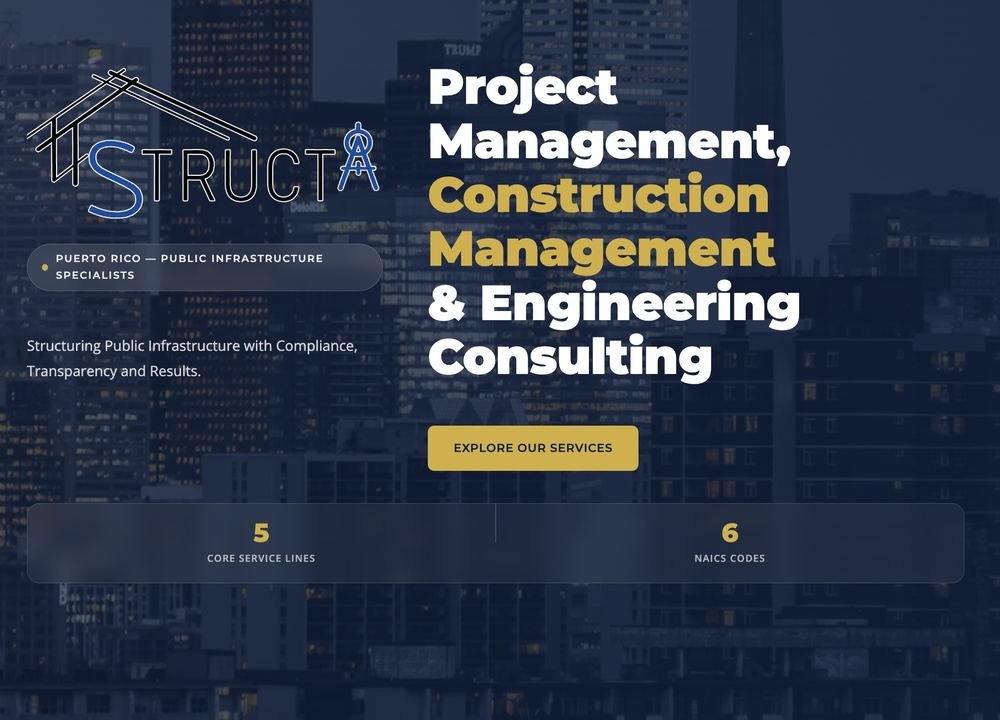
The big headline at the very top of the site — the first thing a visitor sees, along with the background photo and the "Explore Our Services" button.
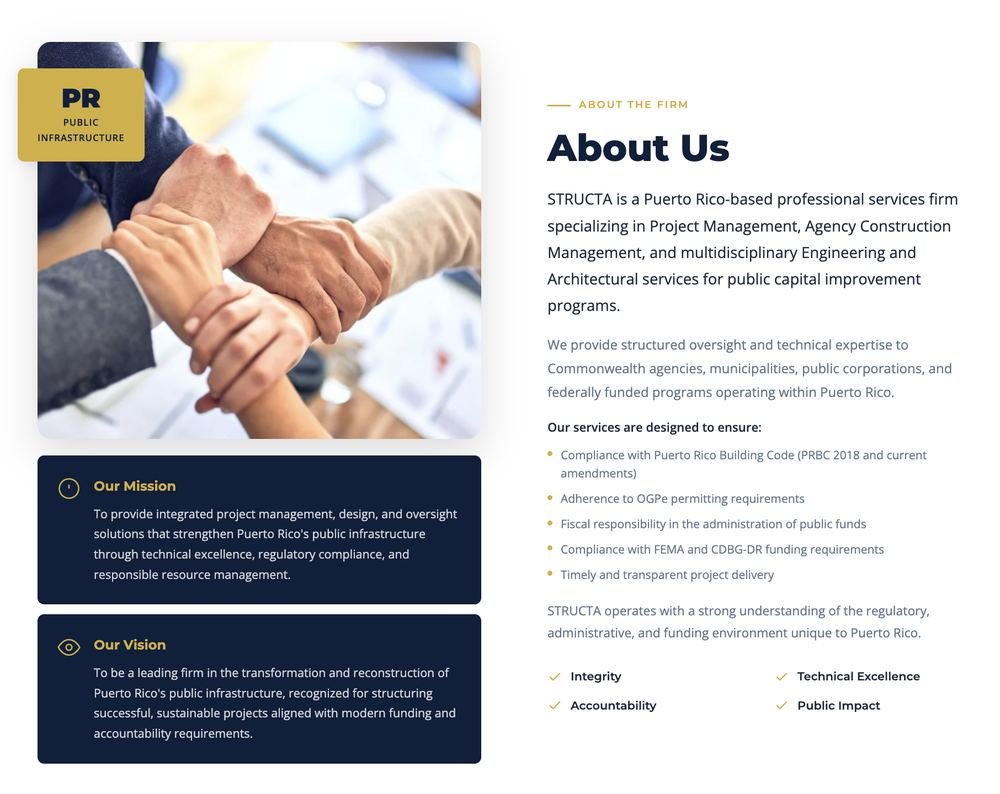
The "About Us" section — who STRUCTA is, the mission & vision boxes, and the list of what the firm's services ensure.
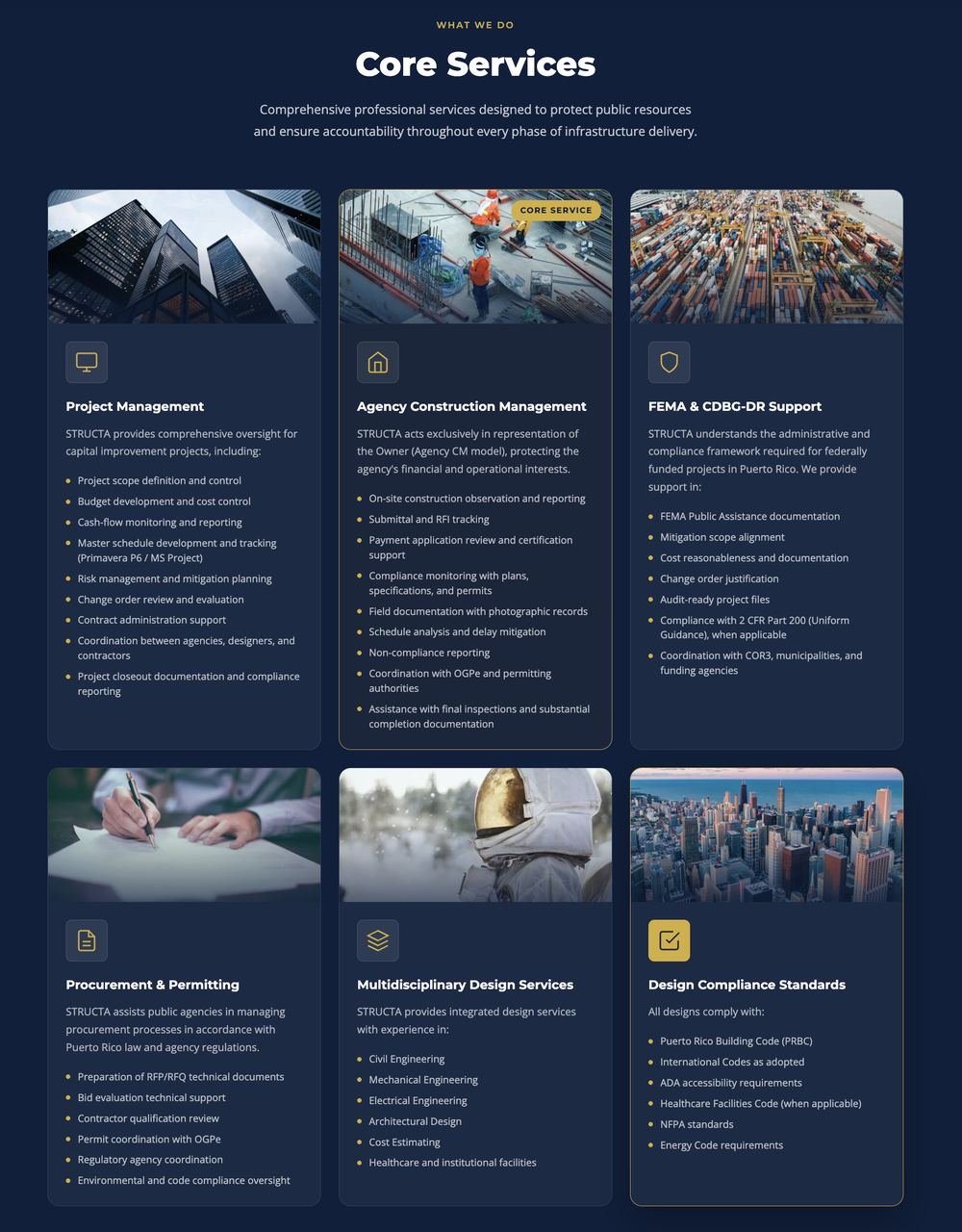
The "Core Services" grid — the section heading below, plus the 6 individual service cards. Pick a card below to edit its own text, image and bullet list.
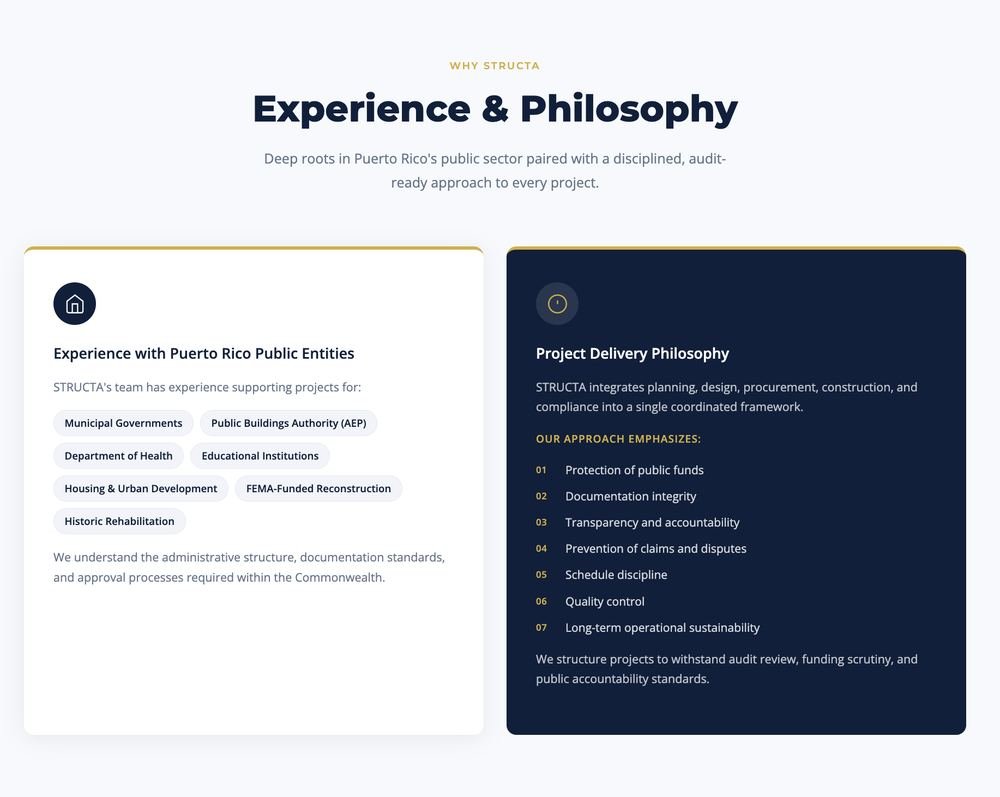
Two side-by-side panels: the entities STRUCTA has worked with, and the firm's project delivery approach.
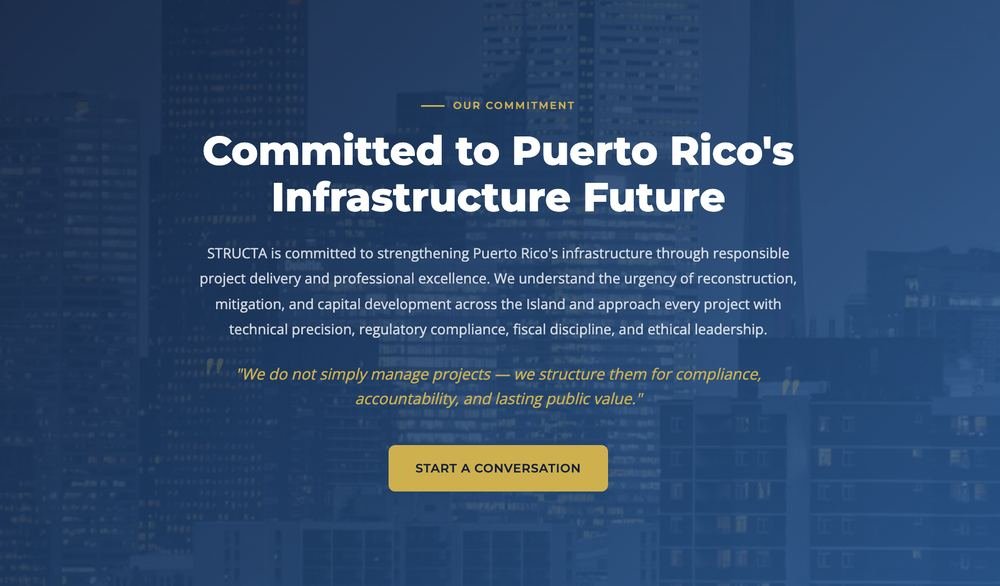
The closing "Commitment" banner near the bottom of the site — the big background photo, headline, message and pull-quote.
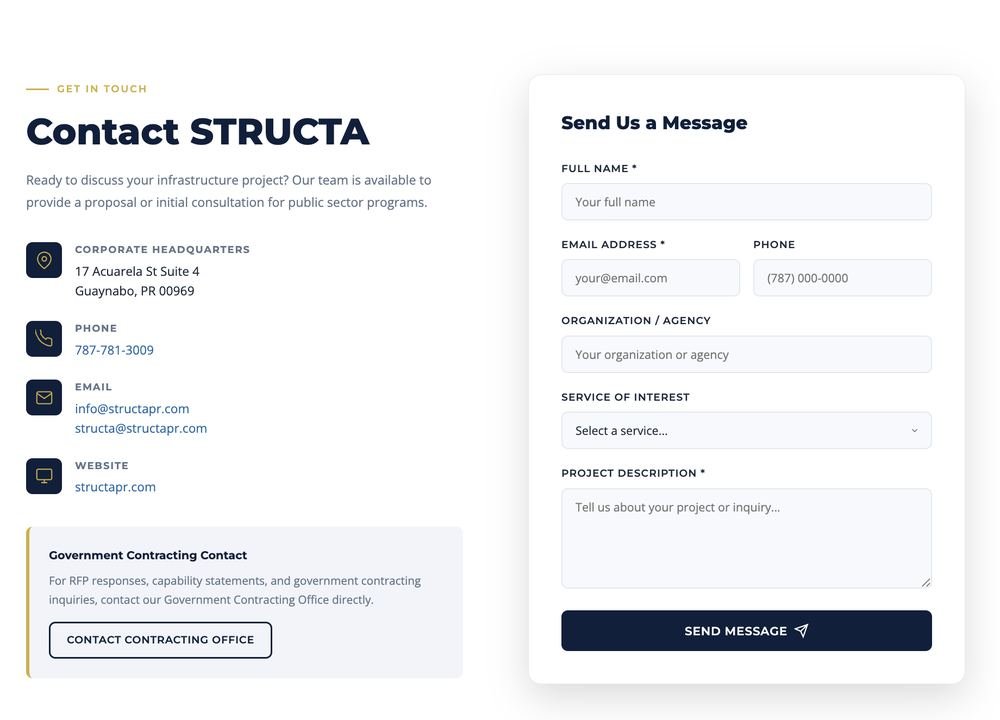
The intro message, plus the address, phone and email shown to visitors (these last four are the same in both languages).
Create additional logins and choose exactly what each one can see and do in this panel.
Create New User